
Good work.
Less busywork.
A shared place for your team to make things happen. Bring your tasks, conversations and AI agent together. Keep the work moving.

Free for up to 3 people per team. No credit card.
Add a task to improve onboarding, and create a GitHub issue for it.
Make the first five minutes feel effortless
Map the first-run experience
Review the welcome screen
Task created. GitHub issue linked.
Illustrative workflow. You choose the access your agent gets.
A lot more flow.
01Plan with your team
02Act with your agent
03See what moves forward
01 / Your everyday workspace
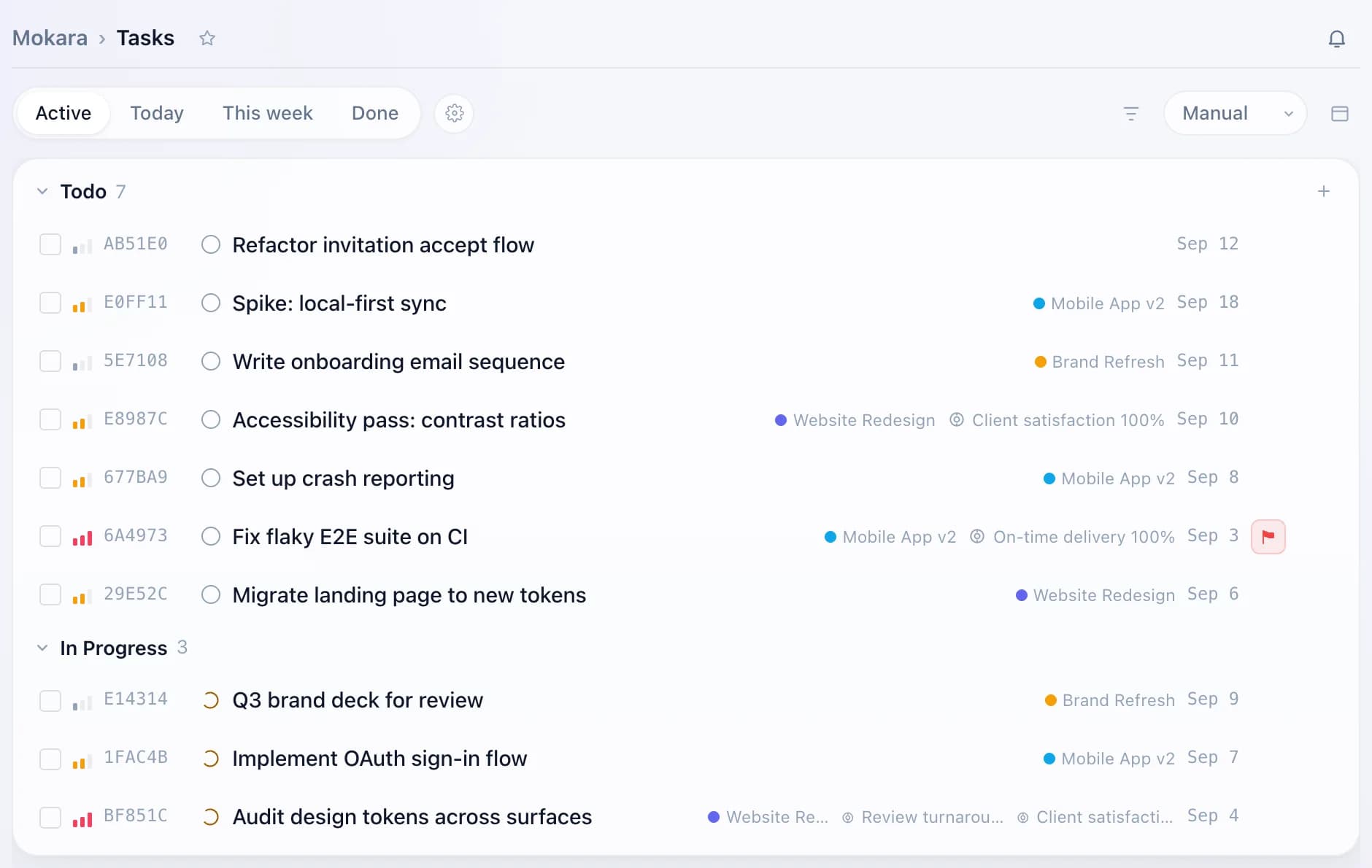
A place for the work.
Room for the details.
From the first idea to the last checkmark.
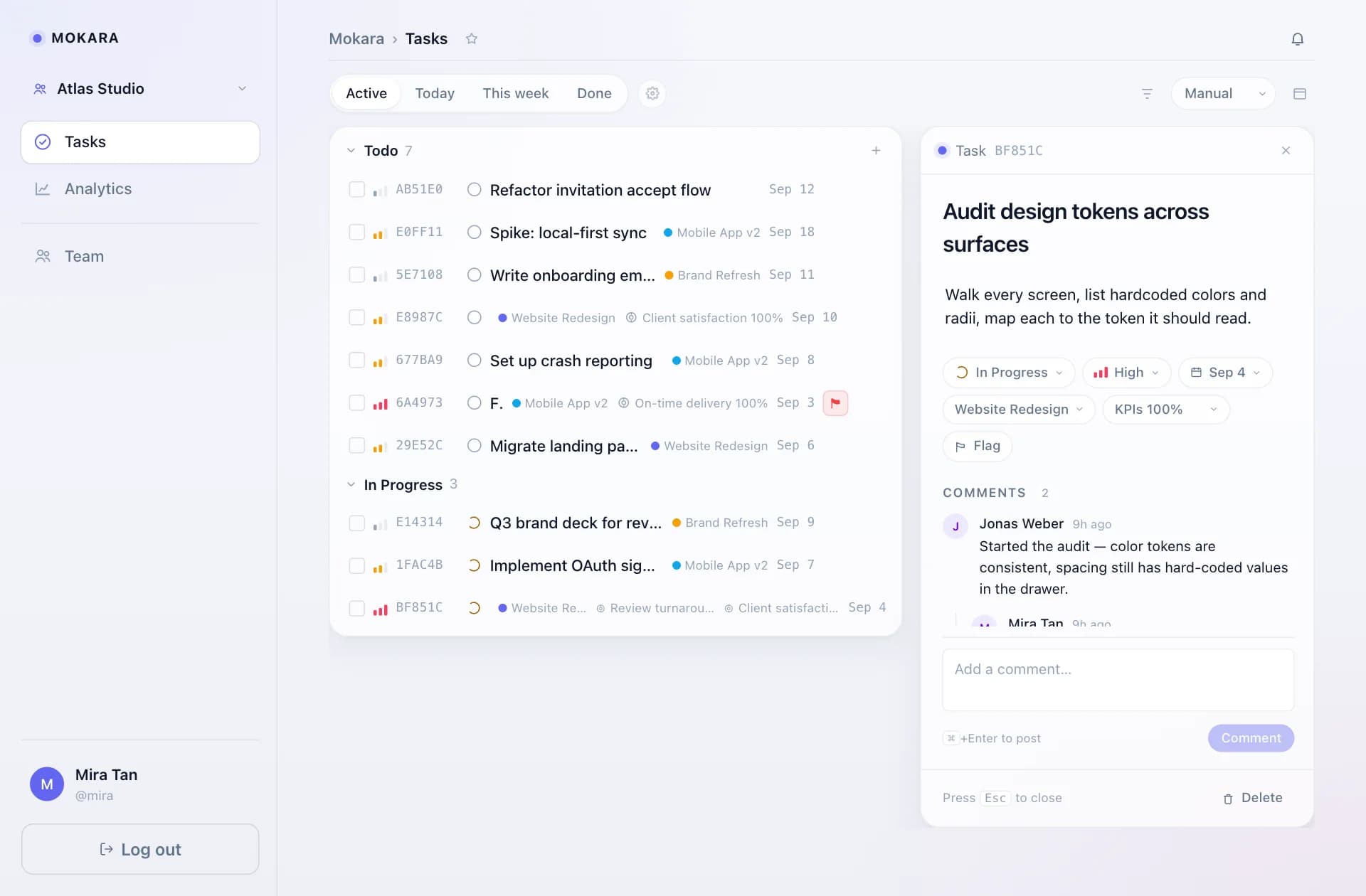
An overview when you need it.
The context when you don’t.
The day, in focus.
Give every task a clear owner, a priority and a next step. Keep the details close and the list easy to scan.
Actual product.
Example workspace.
02 / Meet your new way to work
You set the direction.
Your agent takes a step.
Already working with an AI agent? Give it a connection to Mokara. A conversation can become a task, an update or a linked GitHub issue.
“Create a task for the onboarding review. Add two steps and publish a GitHub issue.”An example of what you can ask
One task in your workspaceWith the details and steps together
A connected GitHub issueIn a repository you approved
You stay in controlChoose permissions. Revoke access anytime.
03 / Keep the whole story
The task is just
the beginning.
The brief. The feedback. The file that makes everything click. Give the work a home, and the conversation a place to stay.
- Break it down
- Turn a bigger task into smaller, useful steps.
- Talk it through
- Keep comments and replies with the work.
- Bring it together
- Files, priorities and due dates, all in reach.

Can I start on my own?
Yes. Start in a personal workspace, organize your tasks and bring your teammates into a shared workspace when you’re ready.
Do I need an AI agent to use Mokara?
No. Tasks, projects, comments and progress work directly in Mokara. Connect an agent whenever it fits your workflow.
What can my agent do?
With the permissions you approve, your agent can read and update work, create tasks, manage steps and comments, and publish or link GitHub issues in selected repositories. You can revoke the connection in Settings.
Is it free to get started?
Yes. The Free plan includes the core task features and supports up to three people per team. No credit card is needed. See Pricing for the full plan limits.
Make space for your next idea
A fresh page.
A shared next step.
Start free. Bring your team when you’re ready.